Spreadsheets are great. They’re flexible, cheap, and almost everyone knows how to use one. That’s exactly why so many businesses lean on them for years past their expiration date.
At some point, though, a spreadsheet stops being a tool and starts being a liability. The tricky part is that this shift happens slowly. You don’t wake up one day and decide your process is broken. Instead, small problems pile up until they’re too big to ignore.
So how do you know when you’ve crossed that line? Here are five warning signs to watch for.
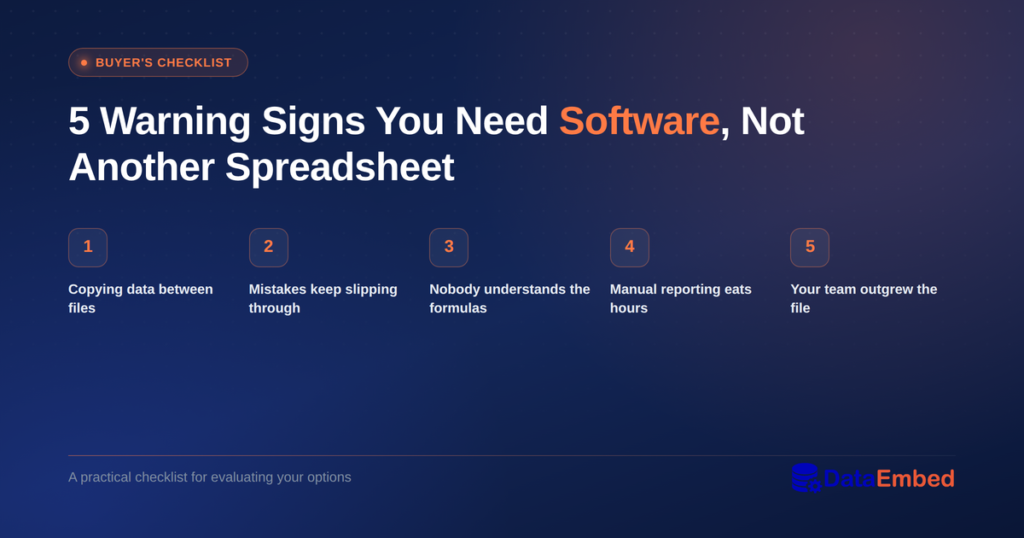
1. You’re Copying Data Between Multiple Files
If your team updates the same information in three or four different spreadsheets, you already have a problem. Someone updates one file. Someone else forgets to update the other three. Within a week, nobody knows which version is correct.
This is one of the clearest signs it’s time to move on. A proper system keeps one version of the truth. Everyone sees the same numbers, at the same time, without the manual copy-paste routine.
2. Mistakes Keep Slipping Through
Spreadsheets don’t stop you from making errors. You can type a number into the wrong cell, break a formula without noticing, or overwrite someone else’s work by accident. As a result, small mistakes turn into real problems: wrong shipments, missing inventory, incorrect invoices.
Software, on the other hand, can enforce rules. It can require a field before you move forward. It can flag a duplicate entry. In short, it catches mistakes before they become expensive.
3. Nobody Can Explain the Formulas Anymore
Every growing business has “that spreadsheet.” It’s the one with formulas so complex that only one person understands them. If that person leaves, gets sick, or simply forgets how it works, everyone else is stuck.
This is a real business risk, not just an inconvenience. When your operations depend on knowledge locked inside one person’s head, you’re exposed. A dedicated system spreads that knowledge across the tool itself, so the business doesn’t depend on any single employee.
4. You’re Spending Hours on Manual Reporting
Do you or someone on your team spend part of every week pulling numbers together for a report? Maybe it’s inventory counts, order status, or weekly summaries for a manager or client. If so, that’s time you’re paying for that doesn’t move your business forward.
Good software builds those reports automatically. Instead of assembling data by hand, you open a dashboard and the numbers are already there. Over a year, that time savings adds up fast.
5. Your Team Has Outgrown What One File Can Handle
A spreadsheet works fine when five people use it. It starts to strain at twenty. By the time fifty people touch the same file, across different locations or shifts, it usually falls apart completely.
You might notice this as slow load times, file corruption, or people simply avoiding the spreadsheet because it’s become too unreliable. That’s your process telling you it has outgrown its tool.
What to Do Once You Spot These Signs
If two or more of these sound familiar, it’s worth taking a real look at your options. That doesn’t automatically mean an expensive, months-long software project. Low-code platforms, for example, let a small team build a focused tool quickly, at a fraction of the cost of a traditional build.
The goal isn’t complexity for its own sake. It’s giving your team one reliable place to work, instead of a patchwork of files held together with hope.
We build exactly this kind of software at DataEmbed, including PalletCore, our warehouse pallet management system. If any of these warning signs sound familiar, it might be time to have that conversation.
#PalletCore #DataEmbed #SoftwareDevelopment